A webshop integrated with your ERP differs from a standalone webshop in one thing: nobody re-types orders, reconciles stock in spreadsheets or changes prices in two places. For a company with thousands of items, several warehouses or B2B customers with their own terms, that isn't a convenience. It's the condition for online sales to grow at all.
In this article we cover what syncs between the webshop and the ERP and in which direction, how a B2B webshop differs from B2C, and how to plan the project so sales don't stop for a single day.
A webshop must not be an island
When the webshop isn't connected to the business system, every new sales channel means more manual work. Orders are re-typed into the ERP, stock is reconciled once a day or less, and a price changed in the ERP doesn't show in the webshop until someone copies it over. The result: items sold that aren't in stock, wrong prices and customers calling to ask where their order is.Integration solves this by giving every piece of data one source of truth, with the other systems taking it from there.
What syncs, and in which direction
| Data | Source of truth | Direction | How often |
|---|---|---|---|
| Items, SKUs, basic descriptions | ERP | ERP → webshop | On change |
| Photos and web copy | Webshop or PIM | Stays in the webshop | As needed |
| Prices, price lists and discounts | ERP | ERP → webshop | On change |
| Stock per warehouse | ERP | ERP → webshop | As often as possible, ideally instantly |
| Orders | Webshop | Webshop → ERP | Instantly |
| Customers and addresses | By agreement | Both ways | On change |
| Shipping status and documents | ERP | ERP → webshop | On change |
The split depends on your ERP and processes. We agree it at the start of the project, with the data owners.
B2B isn't B2C with a different price
Business customers buy differently from consumers, and the webshop has to follow:
- Price lists per customer or customer group, with discounts that already exist in the ERP.
- Several users from the same company, with different permissions: who orders and who approves.
- Quick order by SKU and repeat orders, because a B2B buyer knows what they need.
- Payment on invoice and credit limits, alongside card payments for smaller customers.
- Documents in one place: quotes, delivery notes and invoices the customer downloads themselves.
Stock: real time or at intervals
The faster stock is synced, the fewer items are sold that aren't there. But ERPs don't all support it equally: some push a change instantly, some allow a query every few minutes, and some only offer a nightly export.So the decision is made per item, not for the whole catalogue. For fast-moving or low-stock items, more frequent sync and reserving stock at the moment of ordering pay off. For the rest, an interval is enough.
Webshop and mobile app on the same data
For customers who order regularly, a mobile app shortens the path to an order. What matters is that the app uses the same products, prices and orders as the webshop rather than its own copy. Then there's one ERP integration, and a change in price or stock shows in both places straight away.
Webshop and mobile app
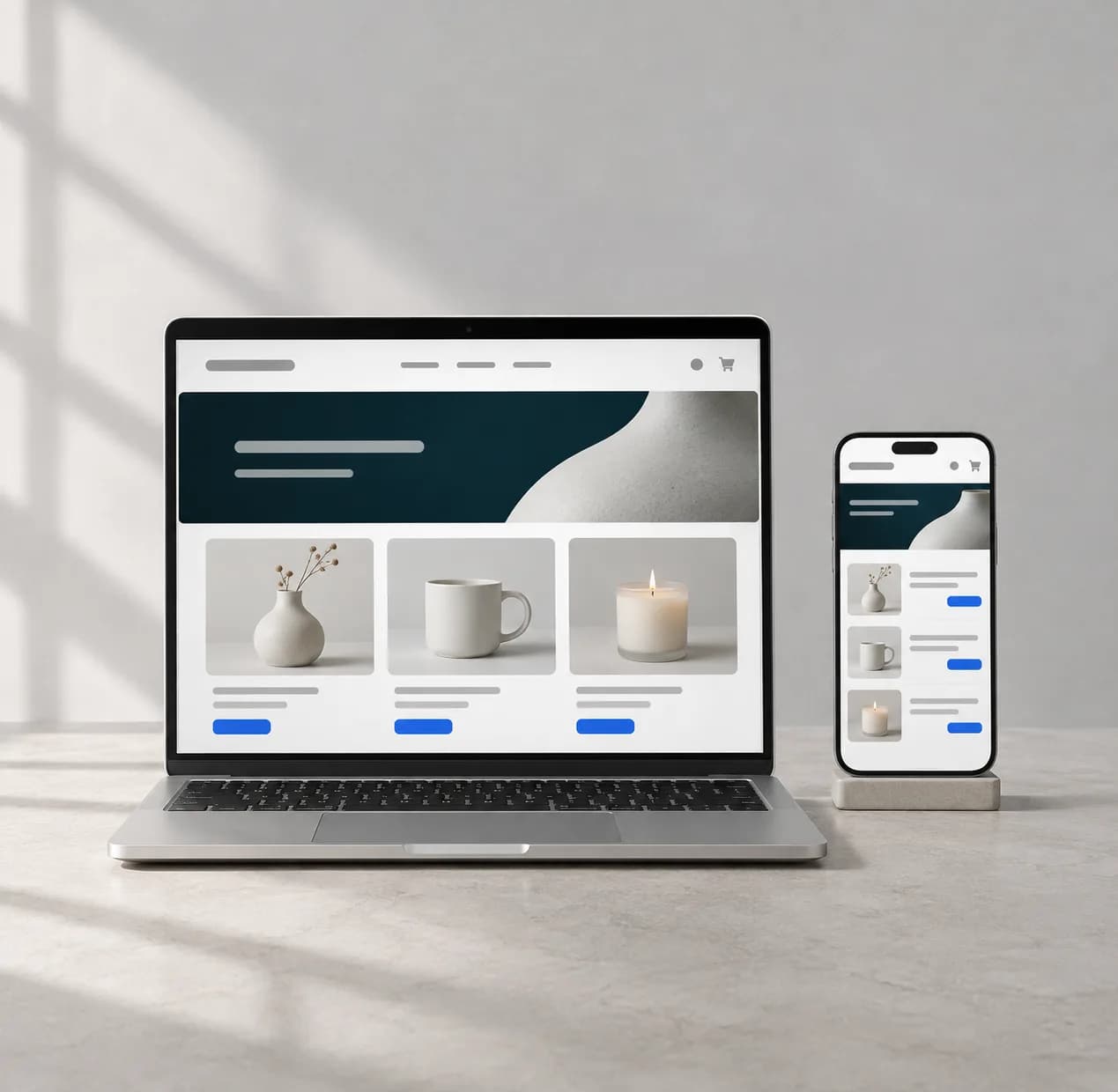
A webshop with card payments and product and order management, optionally with an iOS and Android app on the same data.
Performance, security and resilience
- Fast search and filters, even with tens of thousands of items in the catalogue.
- The webshop keeps working when the ERP doesn't respond: orders are stored and sent as soon as the connection is back.
- Integration monitoring: an alert if sync stops, before customers notice.
- Secure payments through a card payment provider, without storing card data in the webshop.
- Personal data protection (GDPR) and regular backups.
How to plan the project
- 1
List the systems and data
ERP, warehouse, shipping, payments, CRM: what exists, who owns the data and how it is accessed.
- 2
A source of truth for each piece of data
For items, prices, stock, customers and orders we agree where they originate and where they go.
- 3
A first release with the key flows
Items, prices, stock and orders first. B2B features, the app and additional channels come after that.
- 4
Testing on real orders
We run the whole flow, from an order in the webshop to dispatch in the ERP, on test and real cases.
- 5
Launch and monitoring
The webshop goes live with the integration monitored in the first weeks, when exceptions show up.
A webshop on its own takes roughly 4 weeks, and up to 8 with a mobile app. ERP integration extends the timeline depending on the system and scope, so you get the exact timeline in the written quote.
Planning a webshop alongside your ERP?
Tell us which ERP you use and what the webshop needs to do. We go through the integration in a consultation, and then you get a written quote.